
Christmas Pet Portrait AI: Festive Portraits of Your Pet
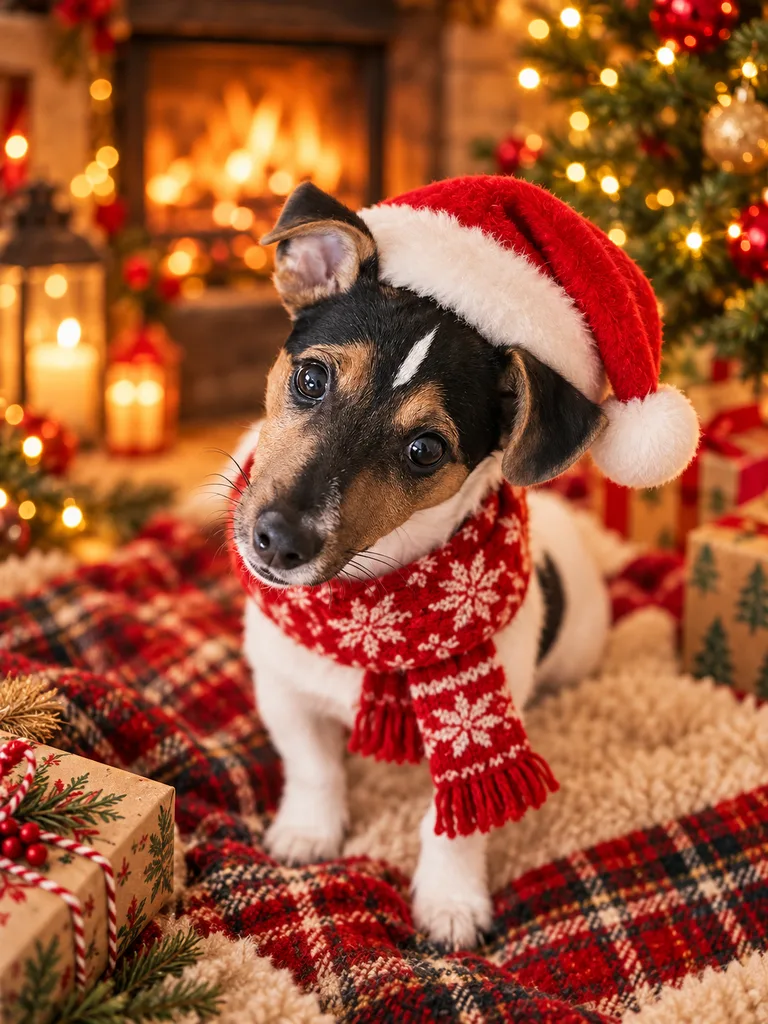
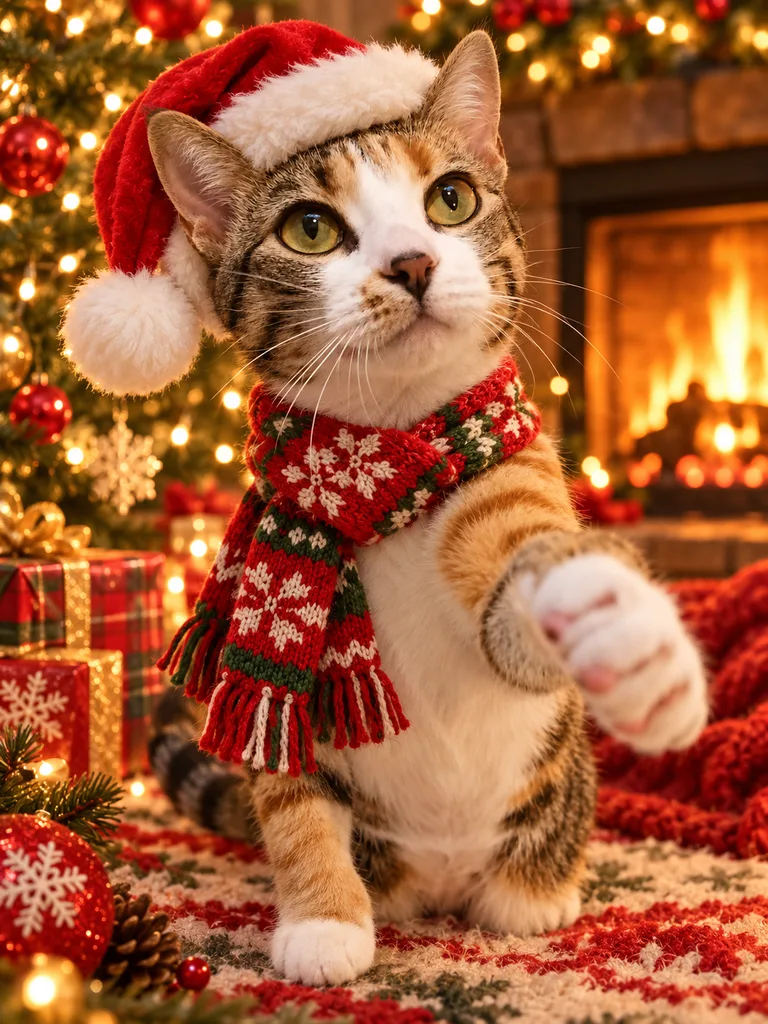
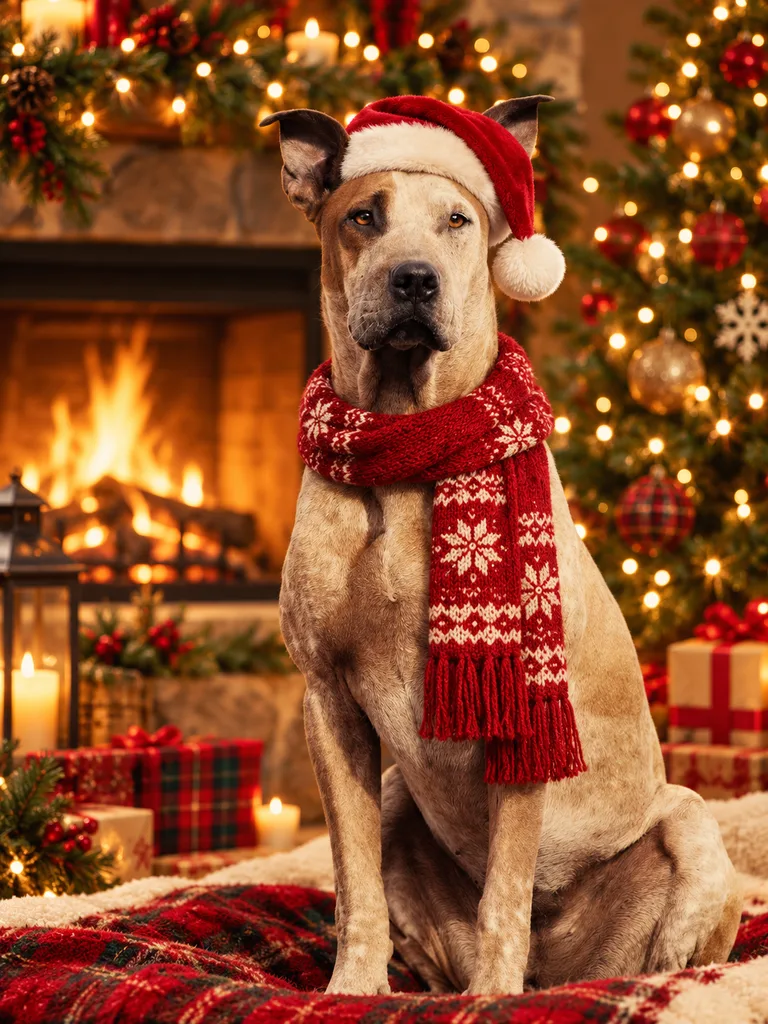
A Christmas pet portrait brings your pet into a warm holiday scene with a Santa hat or festive scarf, a fireplace and fairy lights. Start with a pet-only photo; the Christmas look is selected below for a seasonal painting you can use in your own cards or digital gifts.
Create an AI Pet Portrait
Pet photos only. Human photos are not accepted.
A festive painting built around your pet
The Christmas look adds tasteful holiday details without requiring your pet to wear a costume in the source photograph. Warm light, a soft painted background and a festive accessory create the seasonal setting. The edit is instructed to keep the same animal, breed appearance, fur color and markings, eye color and face. Fine details may vary, so check that the eyes and ears remain clear in your result. The generator creates an original composition with no lettering, logos or watermark on paid HD portraits.
Use a clear photo without holiday clutter
Choose a well-lit photo taken at your pet’s eye level. Keep the entire face visible and leave space above the head so a hat can fit comfortably in the composition. If your pet has dark fur, soft daylight can help separate the face from the background. You do not need a tree, decorations or a fireplace in the original photo; the look supplies that setting. Avoid tinsel crossing the muzzle, bright lights obscuring the eyes and large accessories hiding the ears. Exclude all people, hands and faces, including anyone in the background.
Prepare an image for cards and digital gifts
A square portrait can sit beside a greeting in your own card design. A taller ratio gives a festive scarf and the painted surroundings more room. Landscape ratios can be useful when you want to add your own message beside the portrait after downloading. Pet Portrait AI does not add names, holiday greetings or a nameplate, and it does not sell physical cards or prints. You receive a digital image to use in your personal project. Check the downloaded image’s dimensions in your chosen card editor before arranging a layout.
Keep creating beyond the holiday season
This Christmas pet portrait page and its look stay available after the holidays, so you can plan a card early or revisit a favorite seasonal idea later. Upload a pet-only photo in the generator, confirm Christmas and choose an aspect ratio. Each HD portrait uses one credit and has no watermark; failed generations return credits automatically and rejected uploads use none. Save your result promptly because generated images are retained for 24 hours. For a gift with a classical rather than seasonal setting, explore the Renaissance pet portrait page.
Creating a portrait of your dog?
Explore our AI dog portraits for tips on choosing a clear photo of your dog and comparing royal, Renaissance and watercolor styles.
Portrait examples
Questions about this portrait
Does my pet need to wear a Santa hat in the photo?
No. Upload a clear pet-only photo. The Christmas look adds a Santa hat or festive scarf and a warm holiday setting.
Can I use a Christmas pet portrait in a card?
You can download the digital portrait and place it in your own personal card design. Physical cards and printing are not included.
Is the Christmas look available after the holidays?
Yes. The Christmas page and portrait look remain available after the holiday season.