Renaissance Pet Portrait AI: Old Masters Style for Your Pet
A Renaissance pet portrait places your pet in a quiet painted setting, with soft light, period fabrics and warm earth colors. Start with your own pet photo and let the Renaissance look build an original composition around the animal you know.
Create an AI Pet Portrait
Pet photos only. Human photos are not accepted.
A painted portrait with a familiar face
Renaissance-inspired portraits use gentle shading, subtle canvas texture and a restrained palette to draw attention to the face. A folded collar or a piece of period fabric can frame the chest while the ears, muzzle and eyes remain the focus. This look borrows a painting tradition rather than copying a particular famous painting. Your pet remains the subject, with its breed appearance, fur color, markings and eye color guiding the edit. Small details can vary between generations, so review the result before choosing your favorite.
Choose a photo with room around the ears
Use a photo taken near your pet’s eye level, with the whole face in focus and enough space around the head. Side lighting from a window can reveal the shape of a long muzzle or the texture of a fluffy coat. Avoid deep shadows across the eyes, motion blur and tight crops that cut off ears. A simple background makes the outline easier to read. Only your pet should appear: exclude people and visible hands, even if someone was holding the animal when the photo was taken.
Make room for a portrait in your everyday life
The Renaissance look suits a personal gallery wall image, a profile picture or a digital gift for someone who loves classical art. Choose a square aspect ratio for an avatar or a taller portrait ratio to leave room for painted clothing beneath the face. There is no pet-name nameplate or text option. If you plan to add a caption to a card yourself, choose a composition with open space and add your words after downloading. This service supplies digital images; physical prints and frames are not sold.
Create and compare your portrait
The generator below starts with Renaissance selected. Upload a pet photo, check the aspect ratio and create a portrait. You can switch to Old Masters or Baroque Oil if you prefer deeper shadows or more dramatic fabric. Each HD portrait uses one credit and has no watermark. Generation failures return credits automatically; an upload rejected before generation uses no credits. Save your downloaded image promptly because stored generated images are retained for 24 hours. For a gentle commemorative composition, explore the memorial portrait page.
Creating a portrait of your dog?
Explore our AI dog portraits for tips on choosing a clear photo of your dog and comparing royal, Renaissance and watercolor styles.
Portrait examples
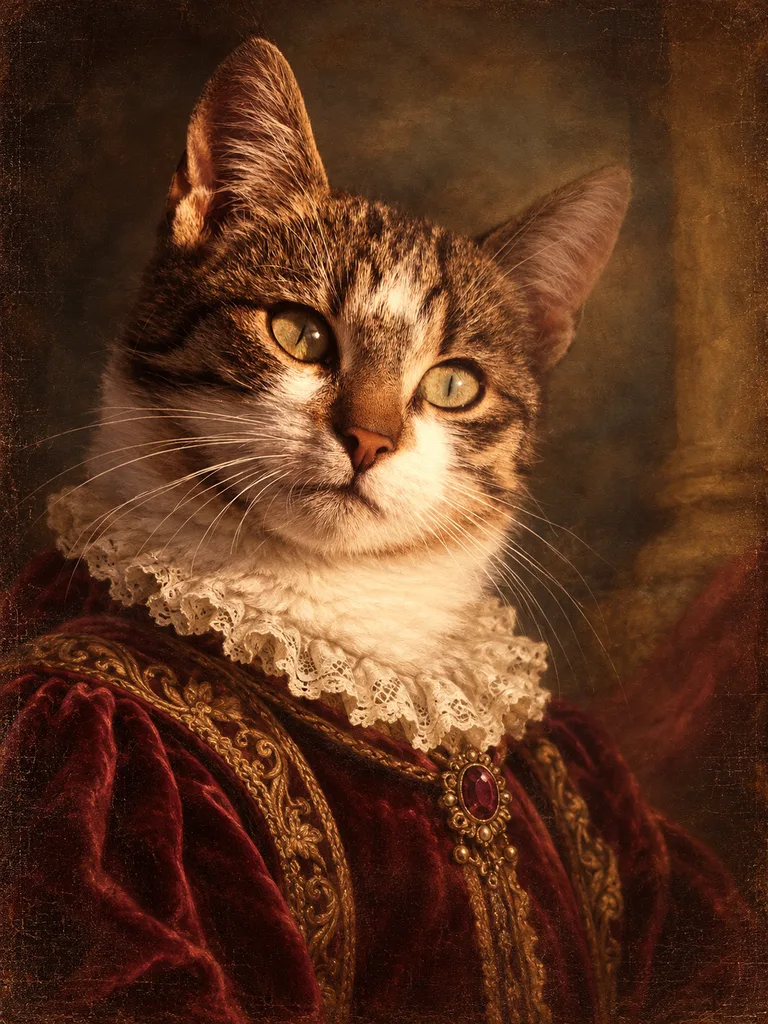
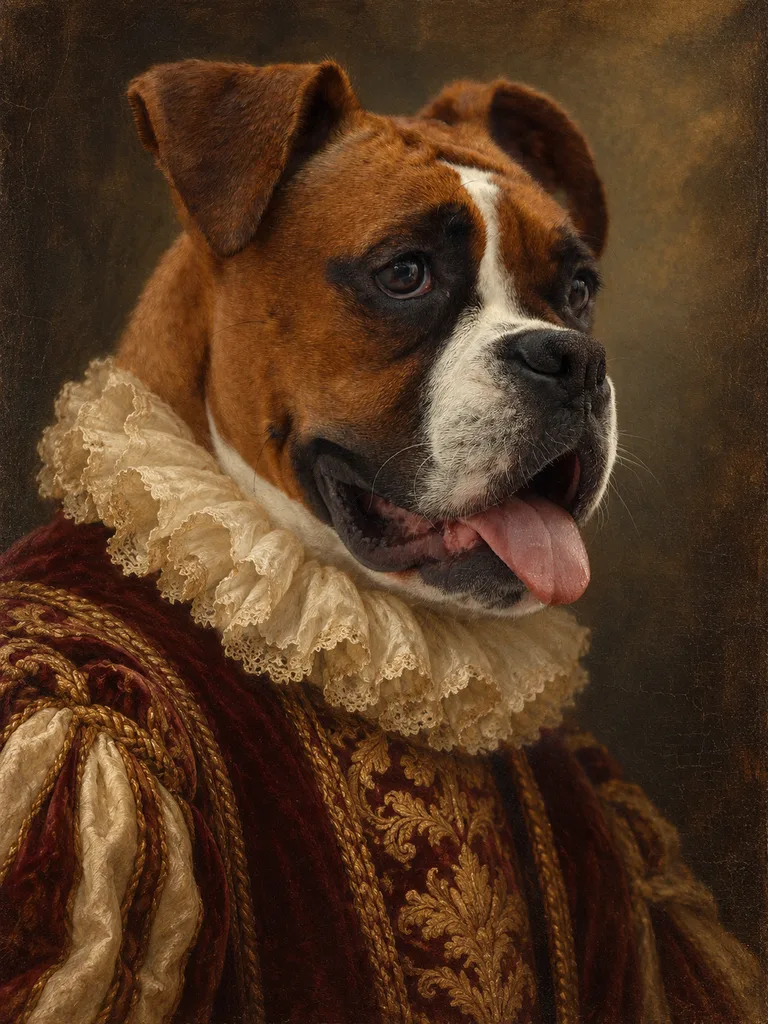
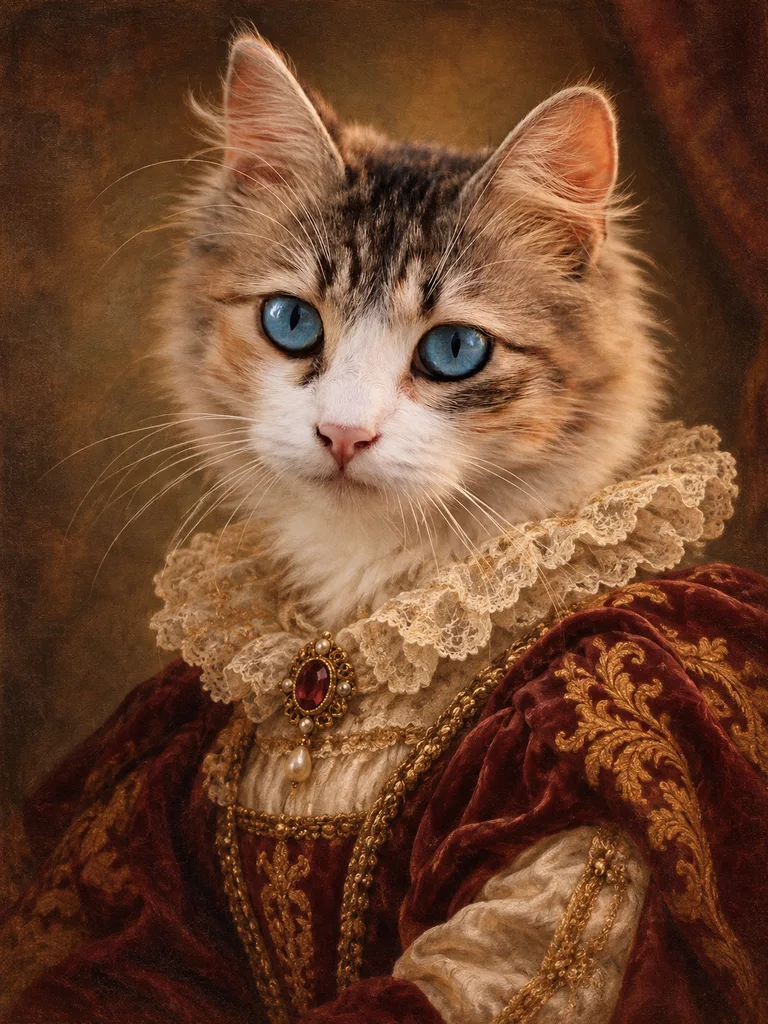
Questions about this portrait
Does a Renaissance pet portrait copy a famous painting?
No. The Renaissance look uses period lighting, fabrics and painted texture in an original composition, without copying a specific painting.
Which aspect ratio suits a Renaissance pet portrait?
A taller portrait ratio leaves room for period clothing, while a square ratio works well for a face-focused portrait.